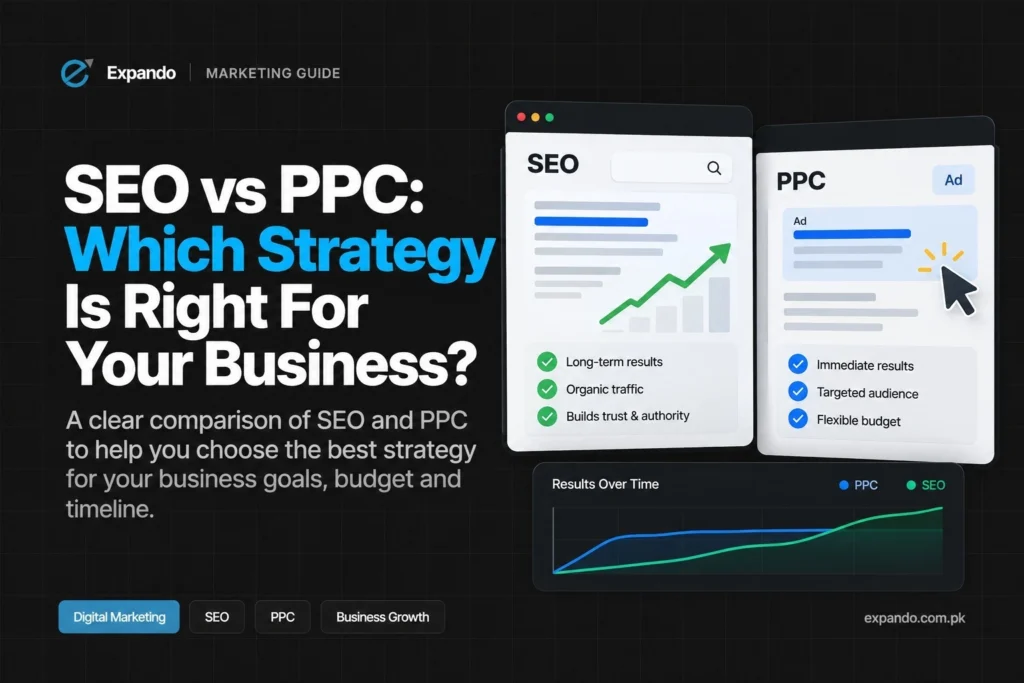
If your website hasn’t ranked on Google even after months, you’re not alone. Many businesses invest in website development and content creation but still struggle with visibility. The reasons can range from technical SEO issues to content optimization, backlinks, and user experience problems. In this guide, we’ll break down the most common issues, provide actionable solutions, and show how to improve your search rankings sustainably.Disclaimer: SEO results vary depending on niche competitiveness, website age, and content quality. Typically, improvements take 3–6 months or more.
1. Poor or Thin Content
Google prioritizes content that provides real value. Thin, duplicate, or unfocused content often fails to rank.
Fix it:
- Create long-form, comprehensive content (1,500–2,500 words for cornerstone pages).
- Use related keywords and LSI terms naturally (e.g., for “SEO issues,” include “search engine optimization problems,” “content optimization tips”).
- Include images, charts, examples, or infographics to boost engagement.
- Update older content regularly to maintain relevance.
Example: A small business blog that expanded its product guides from 500 words to 2,000 words saw a 120% increase in organic traffic in 6 months (case study from Ahrefs).
2. Weak On-Page SEO
Even high-quality content won’t rank without proper on-page optimization.
Fix it:
- Add unique meta titles and meta descriptions for each page, including your main keyword.
- Use H1, H2, and H3 headers to structure content logically.
- Optimize images with descriptive alt text.
- Include internal links to related pages to improve site architecture.
Tip: Tools like Yoast SEO or Rank Math help ensure on-page SEO is complete.
3. Slow Website Speed
Page speed is a key ranking factor. Slow websites lead to high bounce rates and lower rankings.
Fix it:
- Compress images and use WebP format.
- Minify CSS, JavaScript, and HTML files.
- Use reliable hosting services.
- Implement caching and a Content Delivery Network (CDN).
Tip: Use GTmetrix or Google PageSpeed Insights to test your site speed.
4. Poor Mobile Experience
Google uses mobile-first indexing, meaning your mobile site is evaluated first.
Fix it:
- Ensure your website is responsive across all devices.
- Check mobile usability in Google Search Console.
- Avoid pop-ups or intrusive elements on mobile screens.
5. Lack of Backlinks or Low-Quality Backlinks
Backlinks remain a strong ranking signal. Low-quality or few backlinks reduce your site’s authority.
Fix it:
- Build high-quality backlinks from authoritative websites in your niche.
- Use guest posting, influencer outreach, and content promotion.
- Avoid spammy link-building practices that can lead to penalties.
Tip: Tools like Ahrefs or SEMRush help track backlinks and domain authority.
6. Technical SEO Issues
Technical problems can prevent your website from being crawled or indexed properly.
Fix it:
- Check for broken links or 404 errors.
- Ensure your XML sitemap and robots.txt are properly configured.
- Optimize for faster crawling by minimizing heavy scripts.
Tools to use: Google Search Console, Screaming Frog SEO Spider.
7. Not Meeting User Intent
Google ranks pages that satisfy search intent. Misaligned content won’t perform, no matter how polished.
Fix it:
- Analyze top-ranking pages for your target keywords.
- Create content that directly answers the user’s question.
- Add FAQ sections addressing common queries.
- Focus on user engagement metrics, like dwell time and click-through rate (CTR).
8. Not Enough Patience and Monitoring
Search Engine Optimization is a long-term strategy. Results often take months, especially for new websites.
Fix it:
- Track rankings using Google Search Console or other SEO tools.
- Regularly update content to reflect trends and new keywords.
- Optimize continuously for website development, SEO strategy, and content optimization.
SEO-Friendly Mini Checklist
- Long-form, high-quality content
- Unique meta titles & descriptions
- Proper H1-H3 headers
- Image alt texts & optimization
- Mobile responsiveness
- Fast page speed
- Internal linking & technical SEO fixes
- High-quality backlinks
- Align content with user intent
- Regular content updates
FAQs (Schema-Ready)
Q1: How long does it take to rank on Google?
A: Typically 3–6 months, depending on competition, content quality, and SEO strategy.
Q2: Can I rank without backlinks?
A: For very low-competition niches, yes, but backlinks significantly improve your ranking potential.
Q3: Is slow website speed really a big ranking factor?
A: Absolutely. It affects both user experience and Google’s ranking algorithm.
Q4: Can website development affect SEO rankings?
A: Yes. A well-structured, fast, and mobile-friendly website improves crawlability and user engagement, which are critical for SEO.
Conclusion
If your website isn’t ranking on Google even after months, it’s rarely a single issue. A combination of content quality, on-page SEO, technical optimization, backlinks, user experience, and website development strategy determines your ranking. By following the steps above, monitoring performance, and updating content regularly, you can improve your search visibility and organic traffic sustainably.
Pro Tip: SEO is ongoing. Focus on solving user problems, maintaining high-quality content, and staying compliant with Google’s best practices.